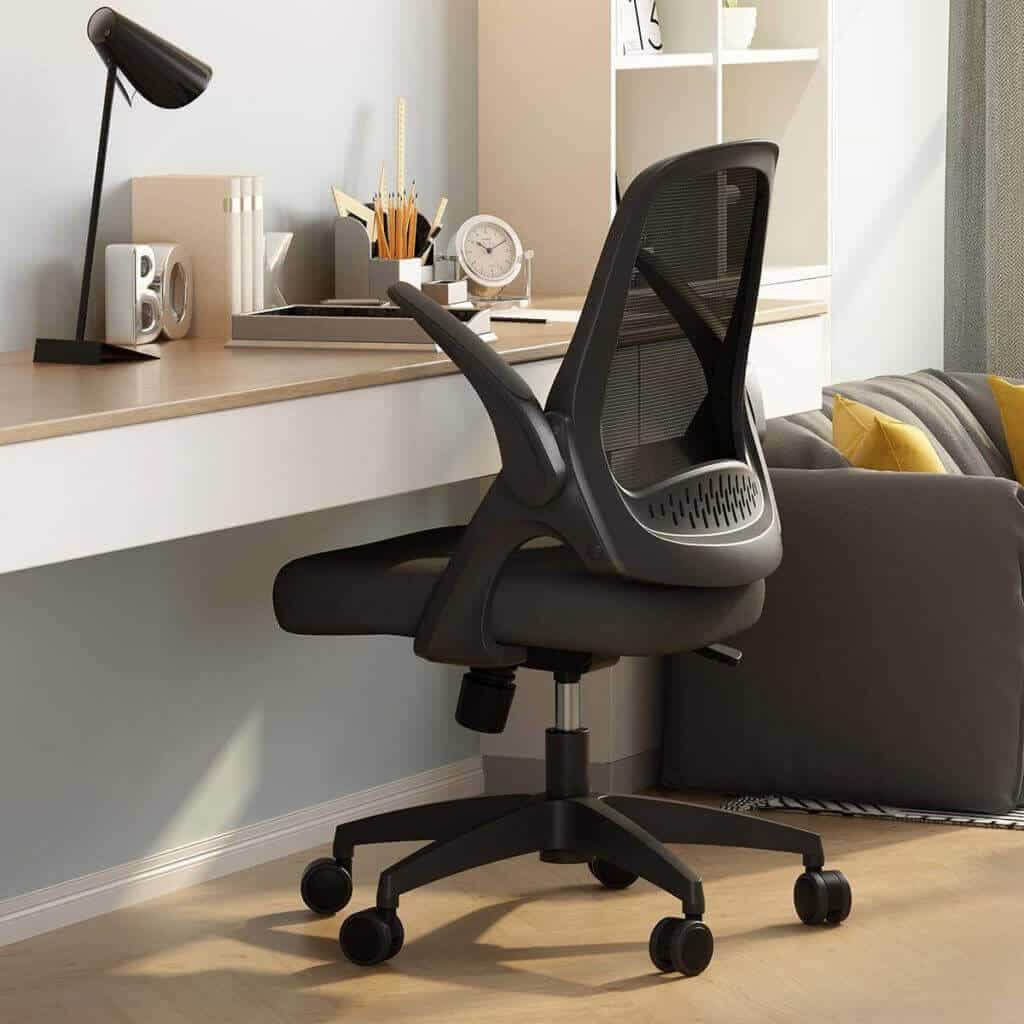

Why is caring for your Ergonomic office chair important? Because, a well-maintained ergonomic office chair can provide years of comfort and support in your workspace. To ensure your chair remains in excellent condition, it’s essential to follow some simple care and maintenance guidelines. In this article, we will walk you through the steps to keep your ergonomic office chair looking and functioning like new.

How to Care for Your Ergonomics Office Chair?

First and foremost, regularly inspect your chair for any signs of wear or damage. Check the casters, wheels, and base to ensure they’re securely attached and functioning correctly. Additionally, examine the chair’s fabric or upholstery for stains, tears, or fading.

You may like to watch this video: 5 Tips To Be MORE Comfortable in Your Office Chair.

Clean Your Ergonomics Chair as Needed

Next, clean your chair as needed to keep it looking fresh and vibrant. For fabric chairs, vacuum the upholstery regularly to remove dust and debris. If you need to clean a stain, use a mild soap and water solution and gently blot the area with a clean cloth. On the other hand, if your chair is made of leather or faux leather, wipe it down with a damp cloth and a gentle cleaner specifically designed for that material.

Furthermore, don’t forget to lubricate the moving parts of your chair periodically. This step ensures smooth operation and prevents squeaking or other noises. Typically, a silicone-based lubricant works best for most chairs. Apply the lubricant to the chair’s adjustment mechanisms, such as the height and tilt controls, as well as the casters and wheels.

You may like to read: Ergonomic Office Chairs: Importance and Top Picks.

Moreover, it’s essential to adjust your chair properly to promote good posture and prevent strain. To do this, set the chair height so that your feet are flat on the ground, and your knees are at a 90-degree angle. Position the lumbar support to align with the natural curve of your lower back. Additionally, adjust the armrests so that your shoulders are relaxed, and your arms can rest comfortably at your sides.

Lastly, be mindful of your chair’s weight capacity and avoid exceeding it. Overloading your chair can cause premature wear and even damage the chair’s structure. If you find that your chair is no longer providing adequate support or comfort, consider replacing it with a new ergonomic model that meets your needs.

Concluding Thoughts on Caring for Your Ergonomic Office Chair

Caring for your Ergonomic office chair is crucial for ensuring its longevity and functionality. By following these simple maintenance steps, you can keep your chair in top condition and continue to enjoy its many benefits for years to come.
Explore More Office Furniture & Supplies

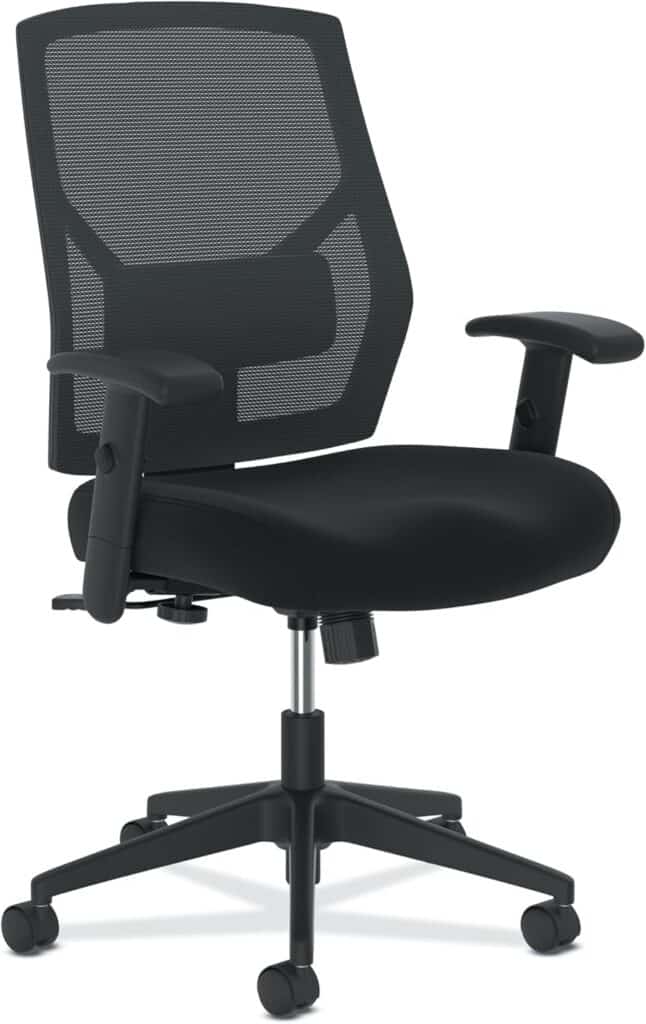
HON Crio High Back Task Chair

HON Crio High Back Task Chair

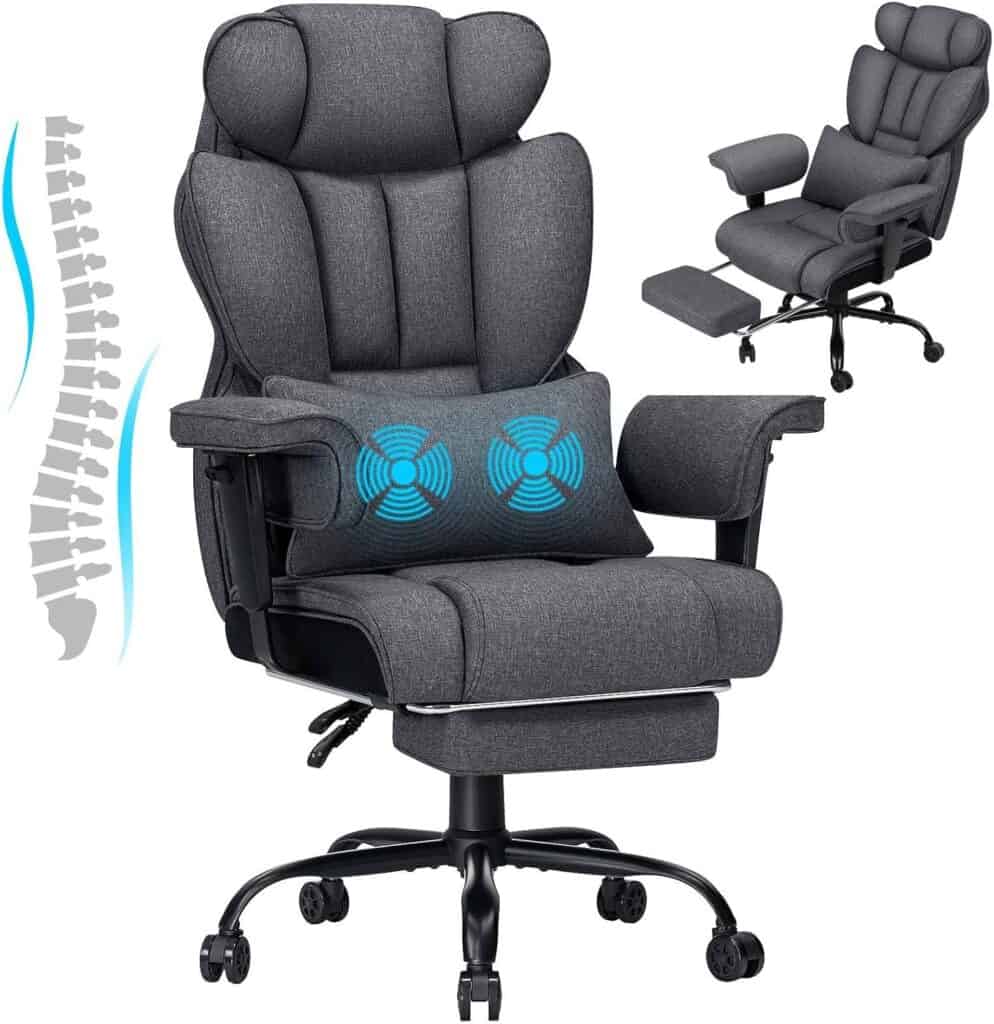
HOFFREE Big and Tall Office Chair with Massage-(Dark Grey)

HOFFREE Big and Tall Office Chair with Massage-(Dark Grey)

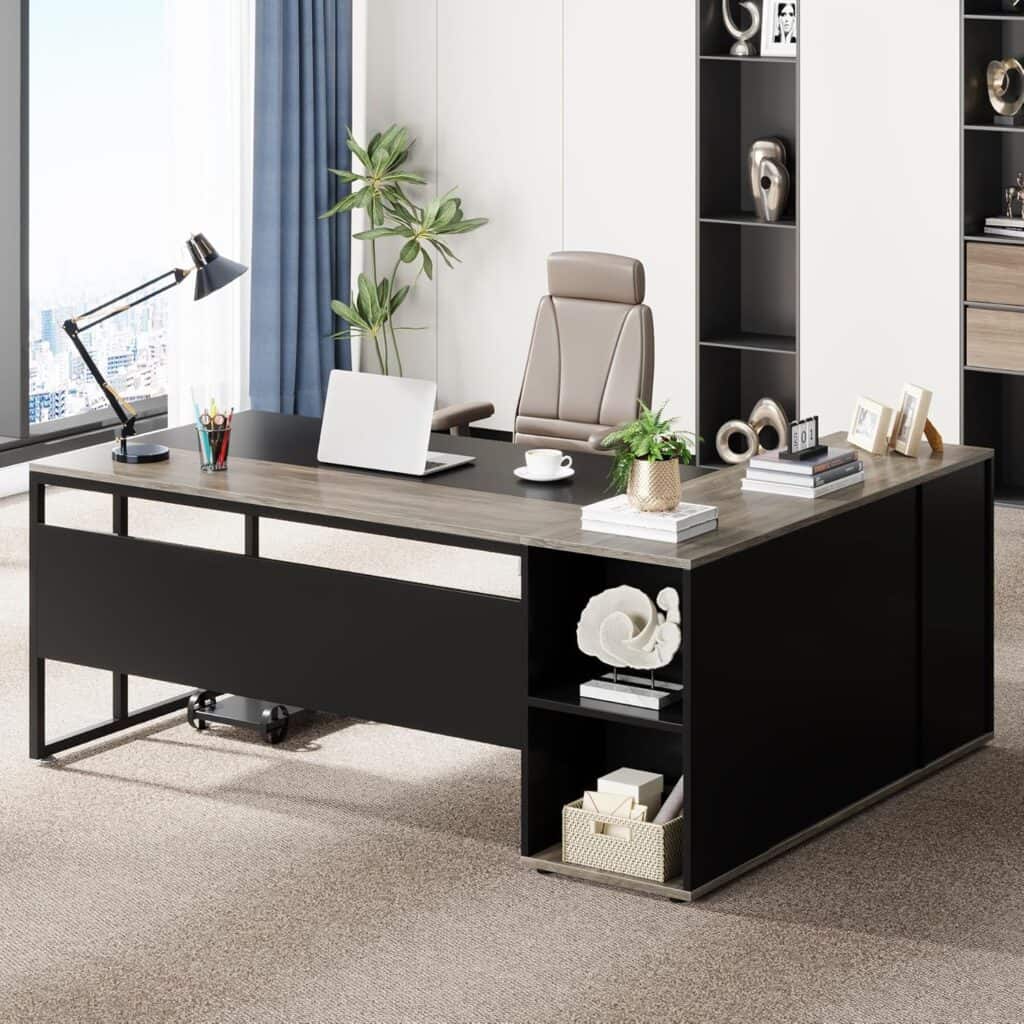
Tribesigns 71-Inch Executive Desk

Tribesigns 71″ L-Shaped Executive Desk – Modern Gray

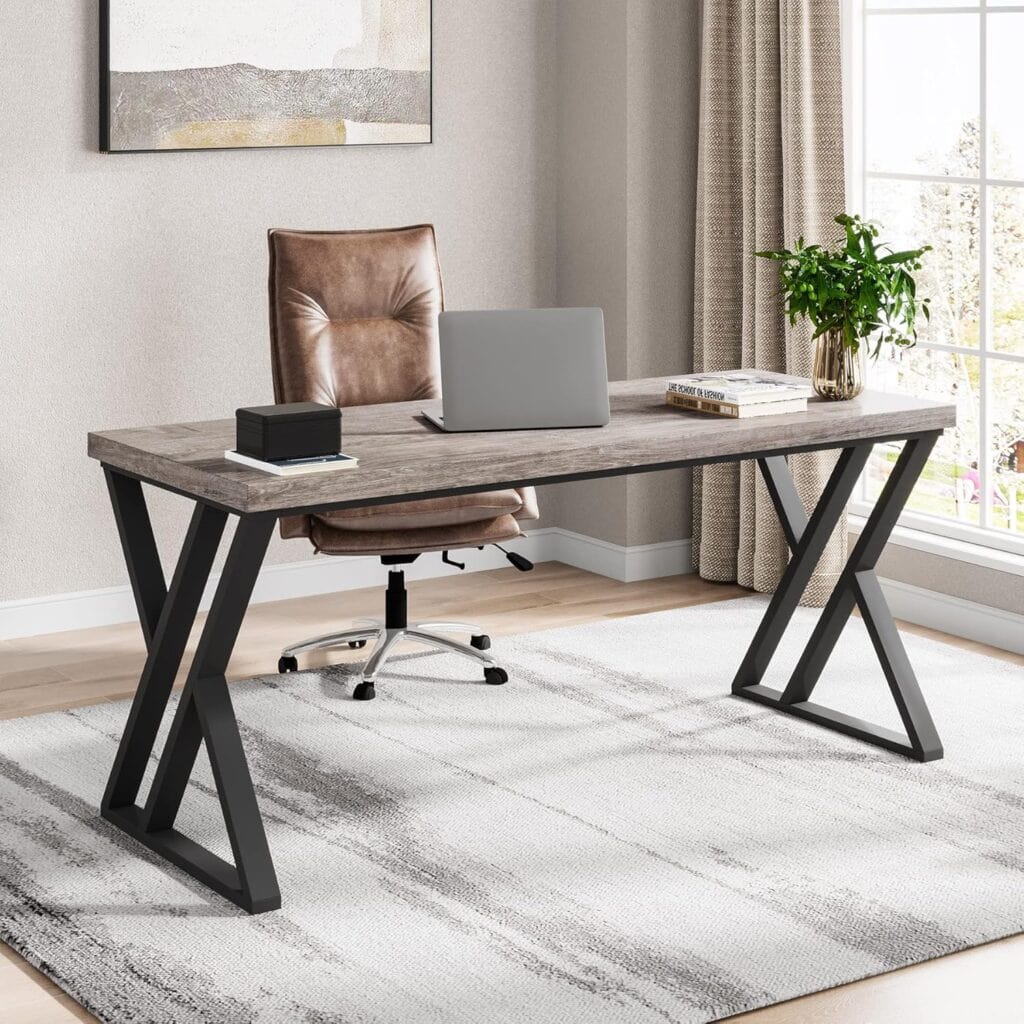
Tribesigns 55" Writing Computer Desk

Tribesigns 55″ Writing Computer Desk – Grey

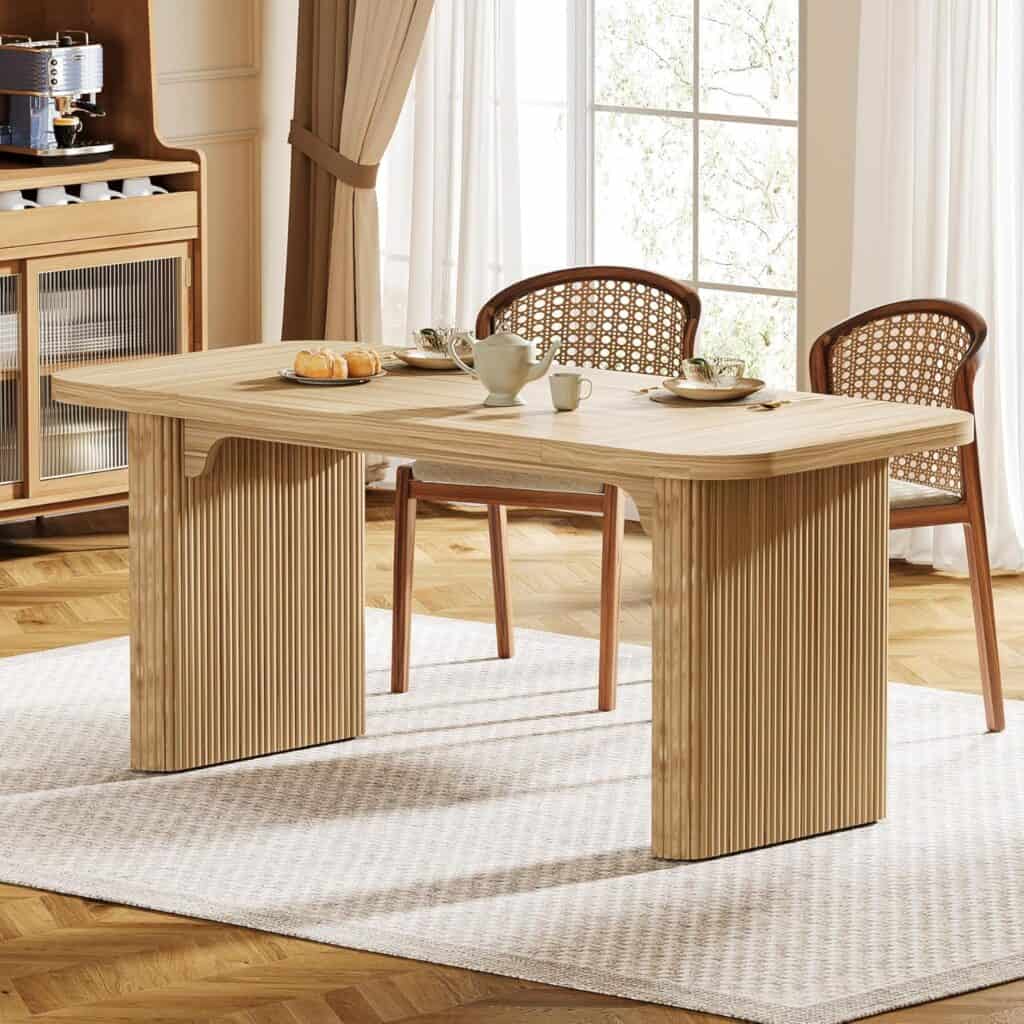
Tribesigns Modern Dining Table for 6 People

Tribesigns Modern Dining Table for 6 People

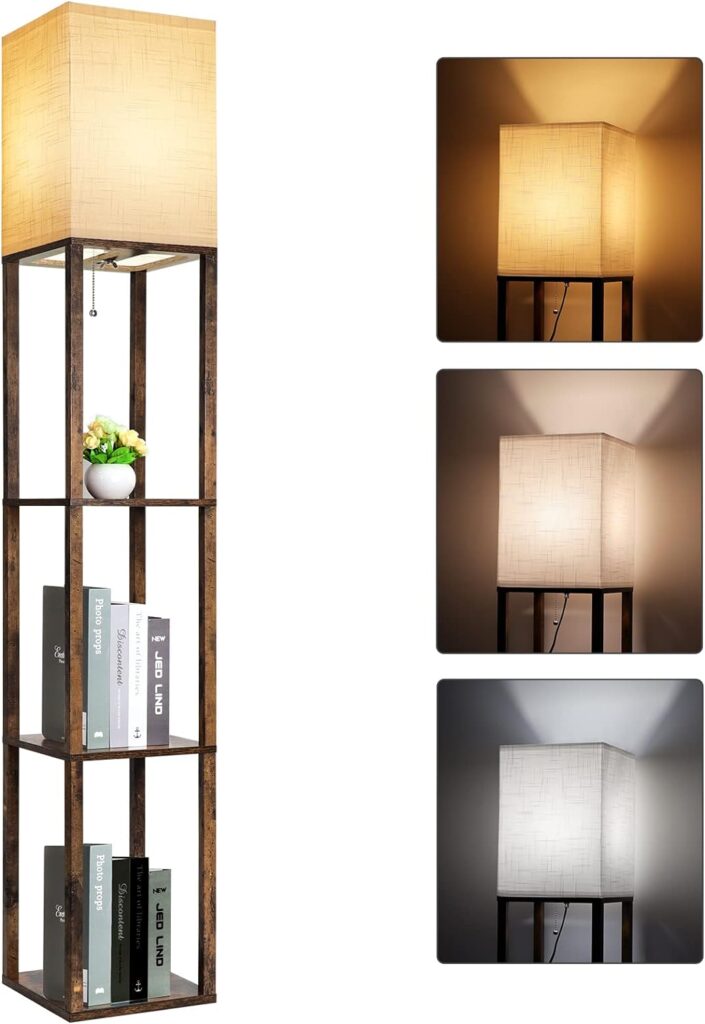
Image of RUNTOP Floor Lamp with Shelves from Essential Office Furniture

RUNTOP Floor Lamp with Shelves

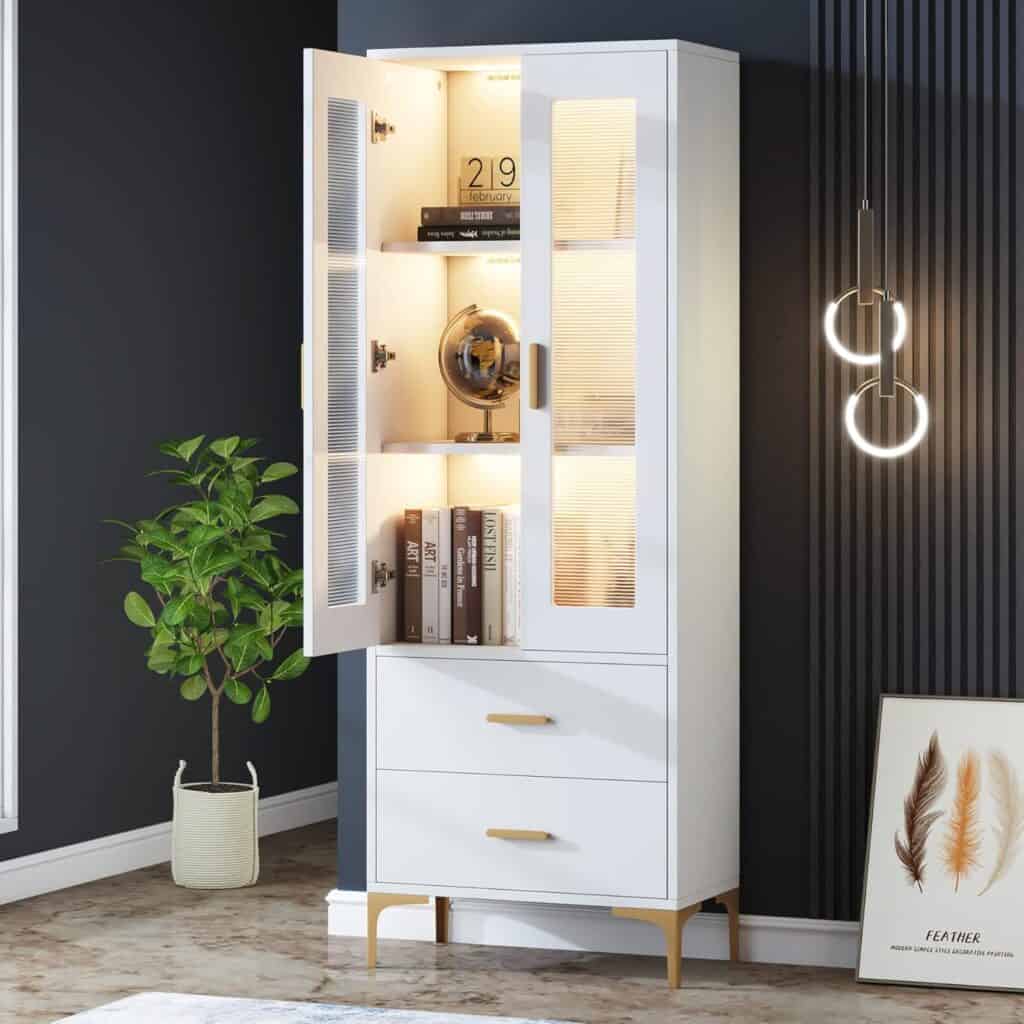
LITTLE TREE Bookcase with LED & Storage

LITTLE TREE Bookcase with LED & Storage

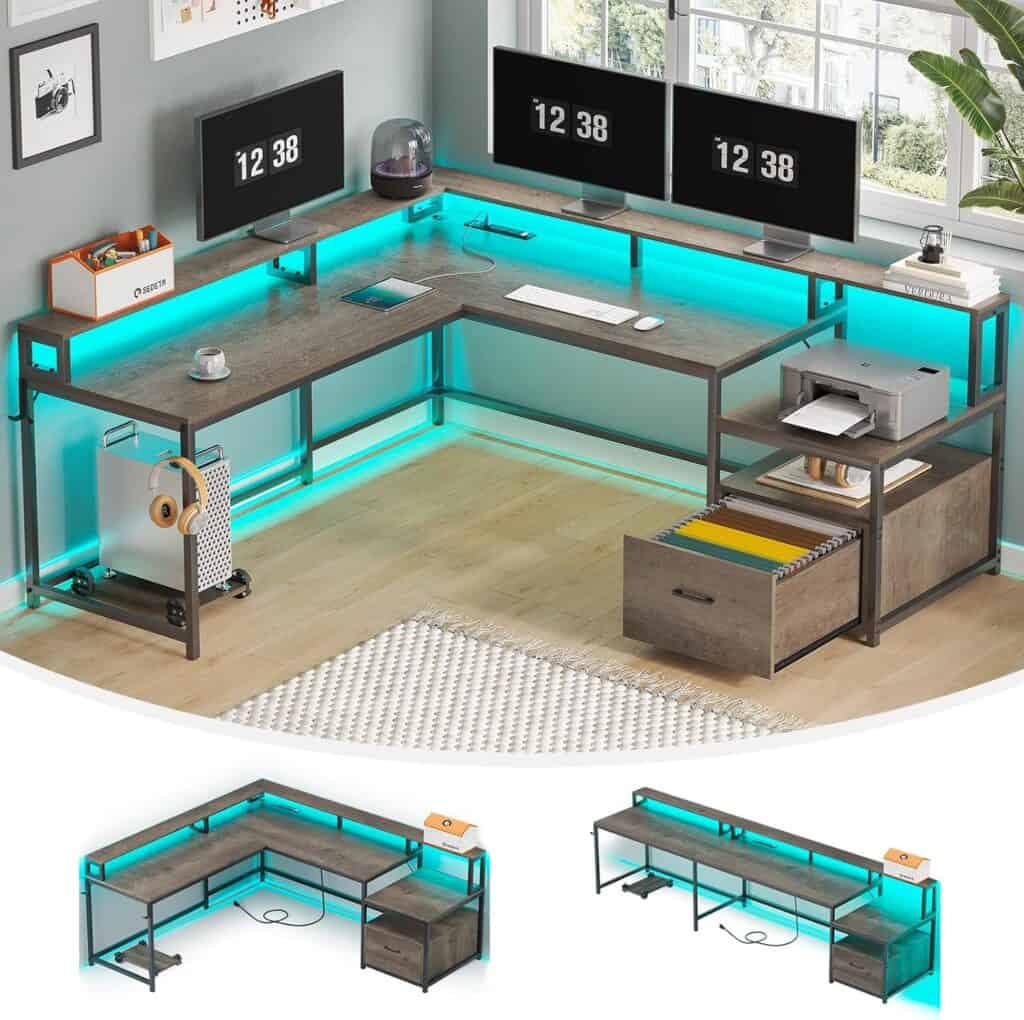
SEDETA 66″ L‑Shaped Desk, Home Office Desk

SEDETA 66″ L‑Shaped Desk, Home Office Desk

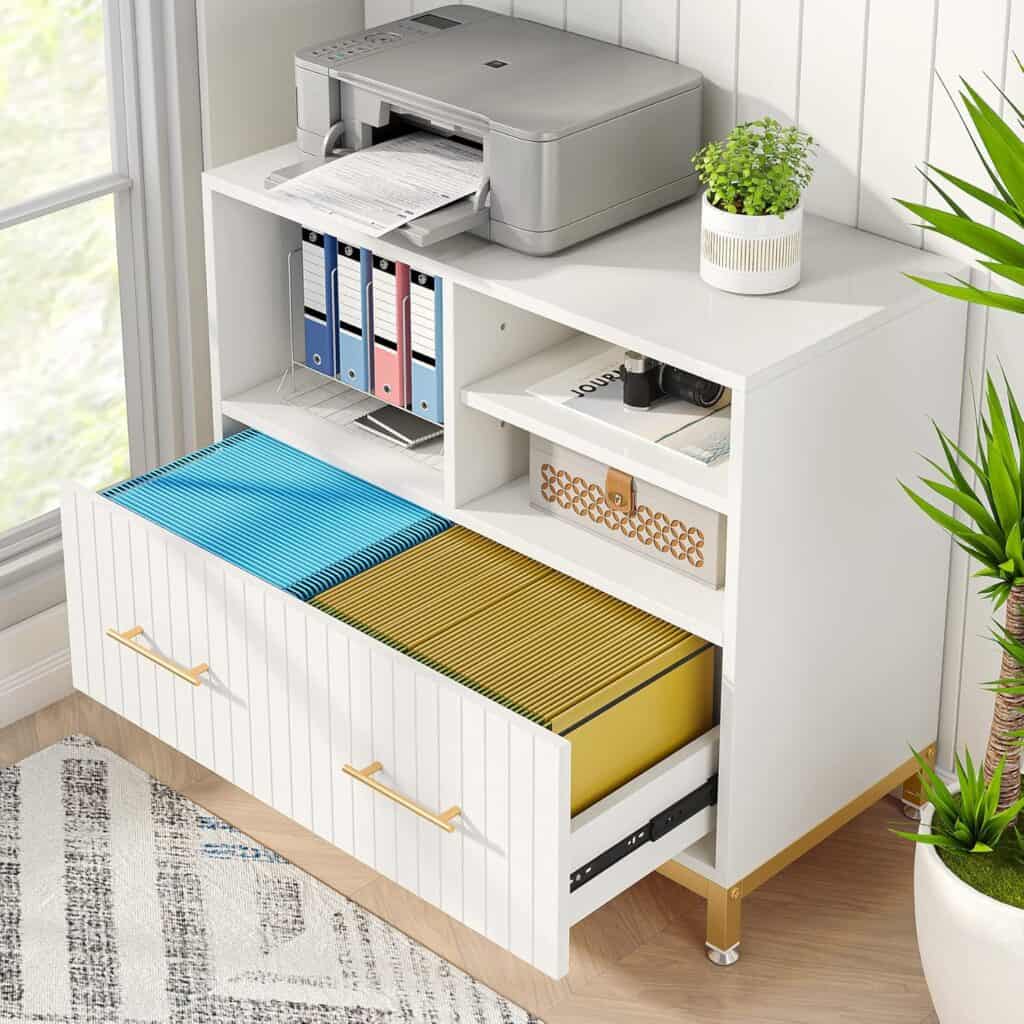
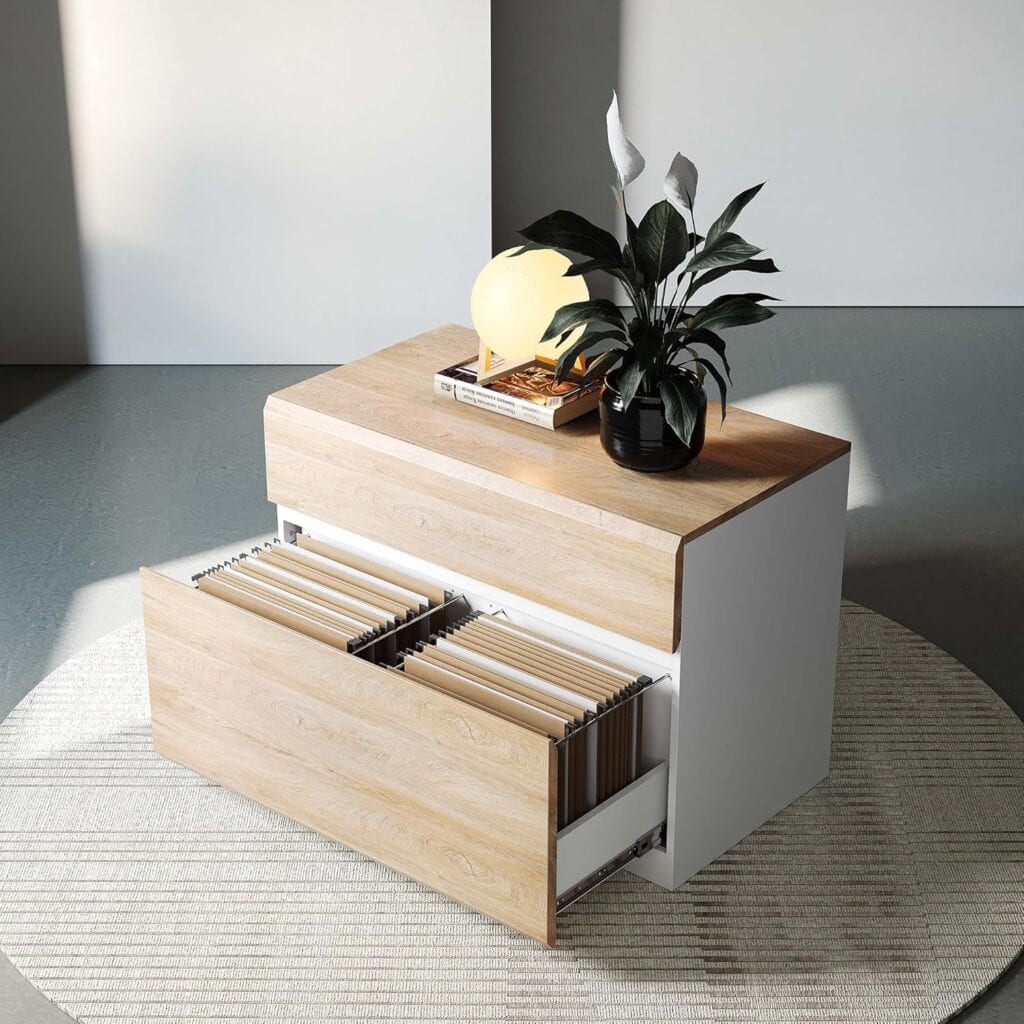
Tribesigns 35-Inch 2-Drawer File Cabinet

Tribesigns 35-Inch 2-Drawer File Cabinet-White

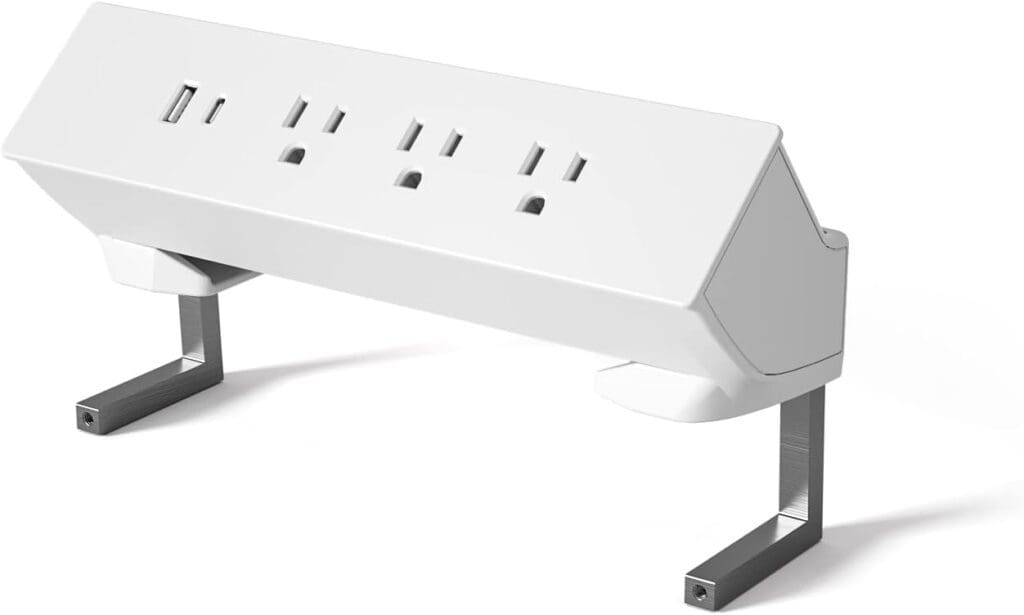
FEZIBO Power Strip – White

FEZIBO Power Strip – White

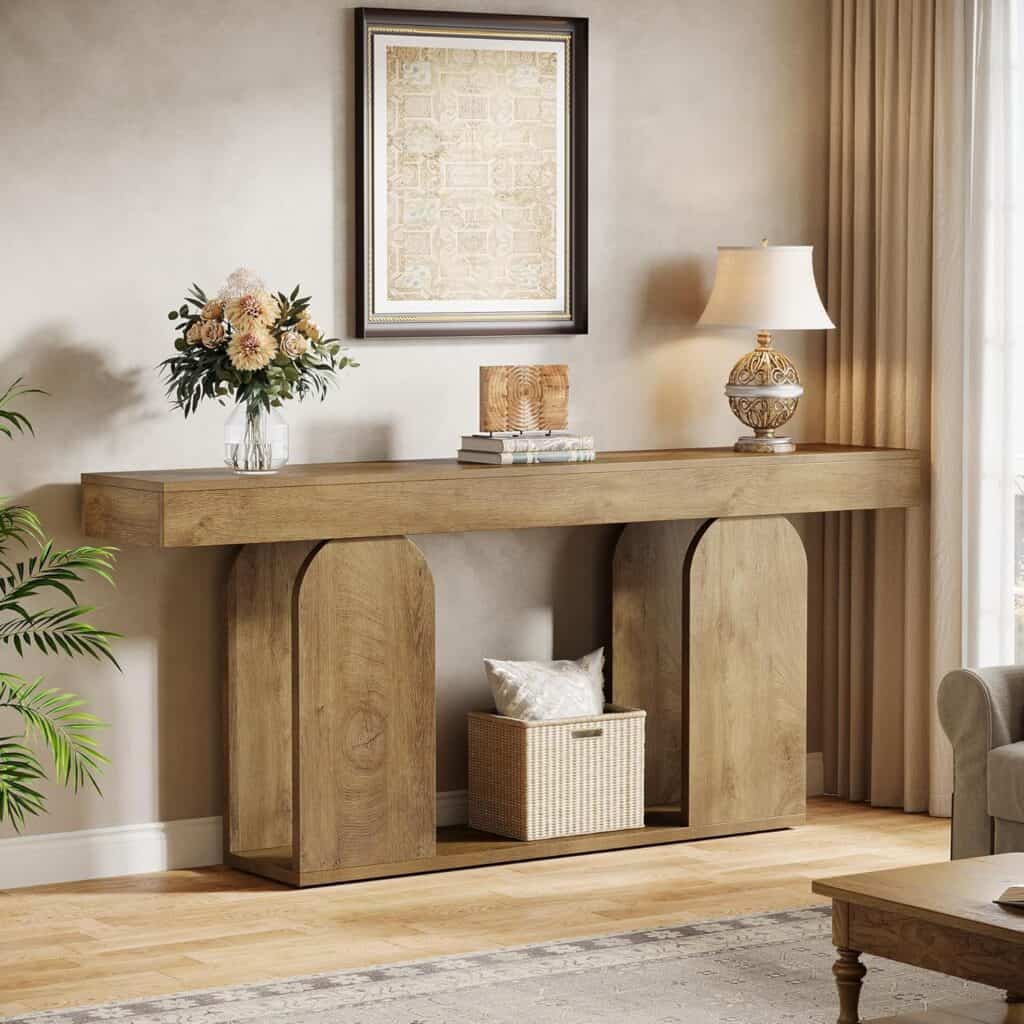
Tribesigns 70.9-Inch Extra Long Sofa Table

Tribesigns 70.9-Inch Extra Long Sofa Table

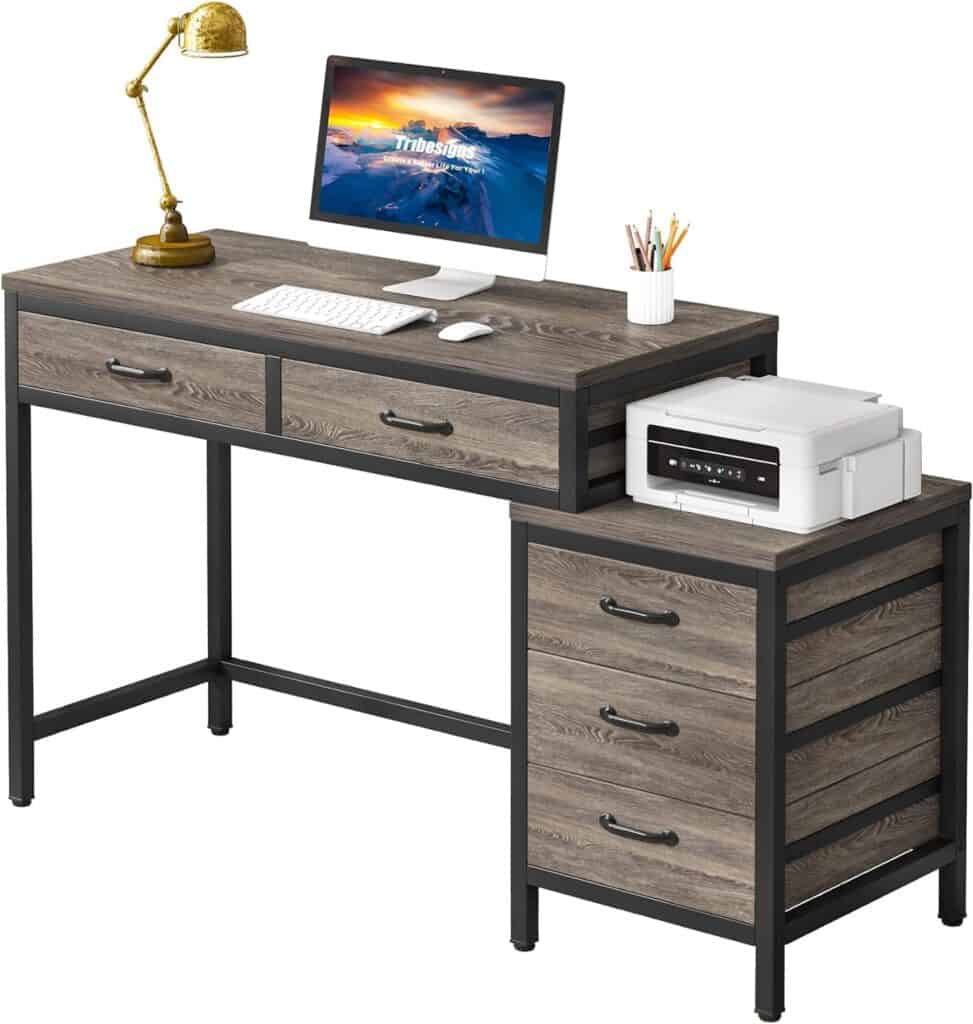
Tribesigns 51-Inch Computer Desk

Tribesigns 51-Inch Computer Desk-Grey

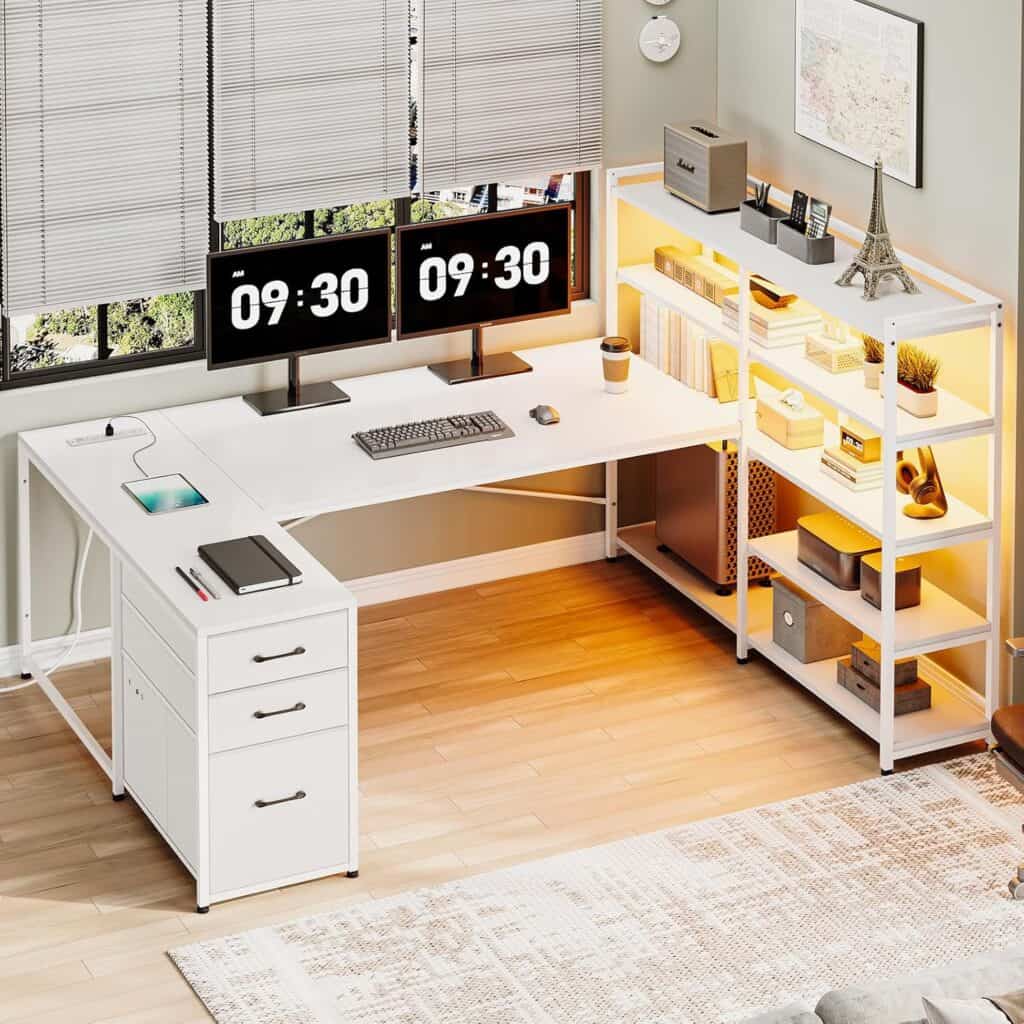
SEDETA White Computer Desk with Drawers

SEDETA White Computer Desk with Drawers

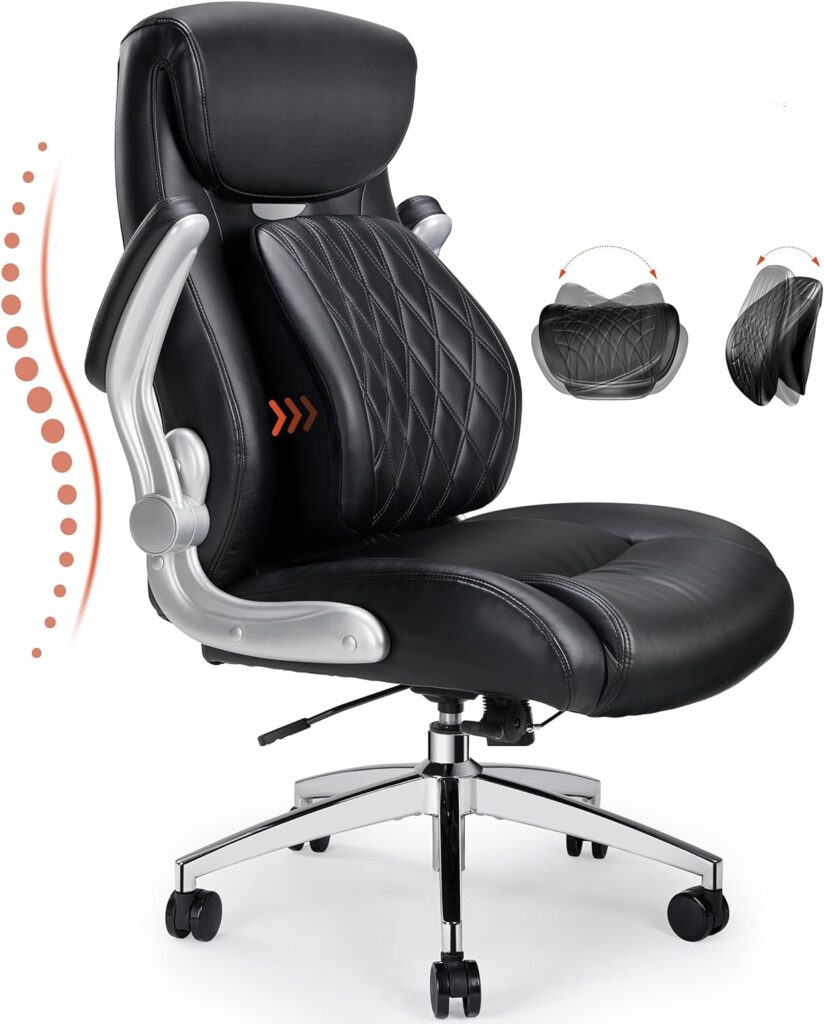
Image of ErGear Executive Office Chair from Essential Office Furniture

ErGear Executive Office Chair, Posture PU Leather Office Chair

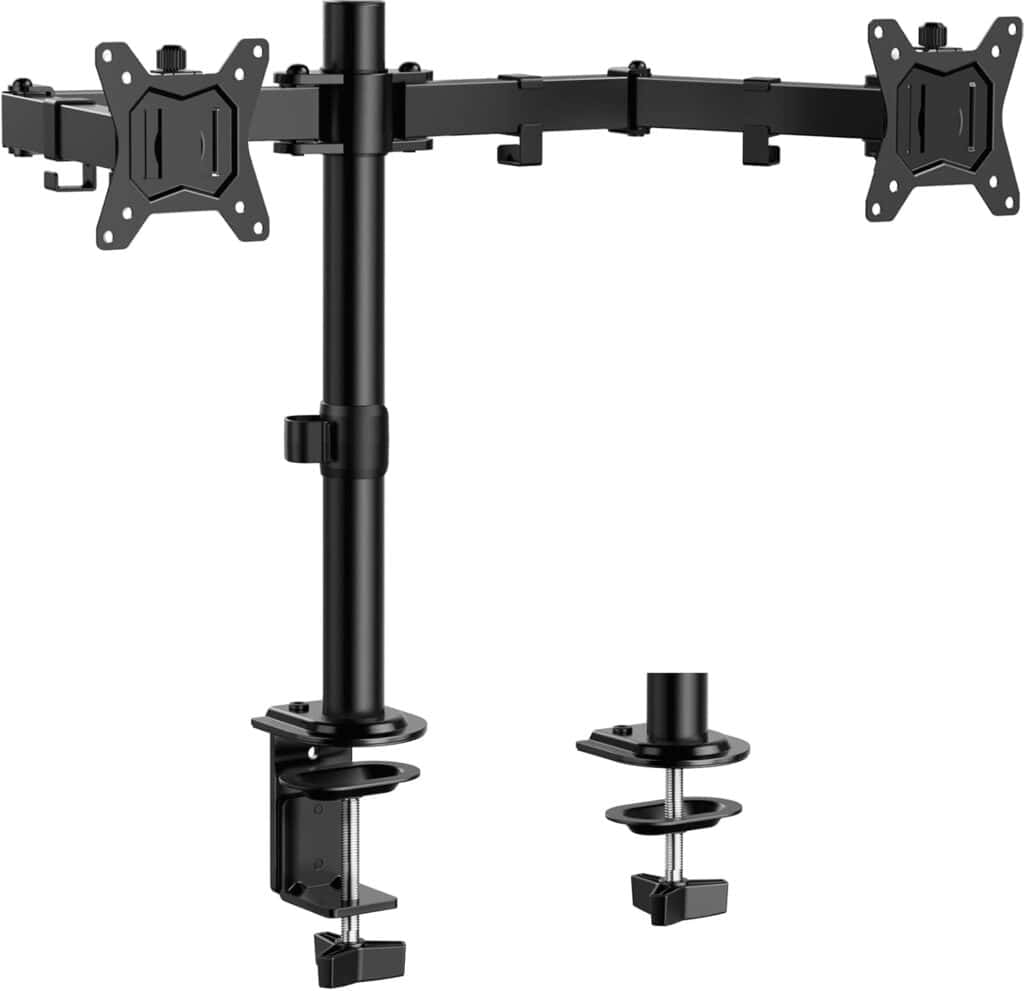
ErGear Dual Monitor Stand for 13–32 Inch Screens

ErGear Dual Monitor Stand for 13–32 Inch Screens

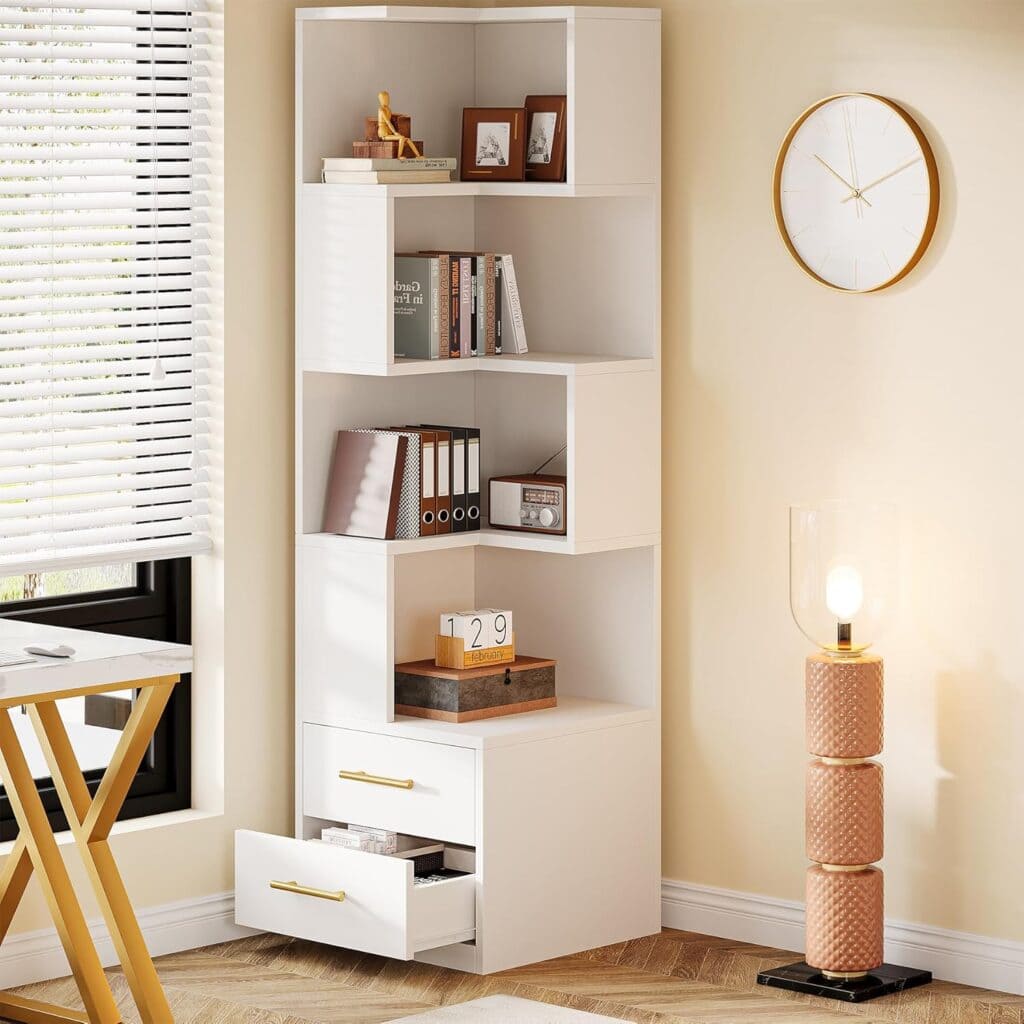
Tribesigns 5-Tier Corner Bookshelf

Tribesigns 5-Tier Corner Bookshelf

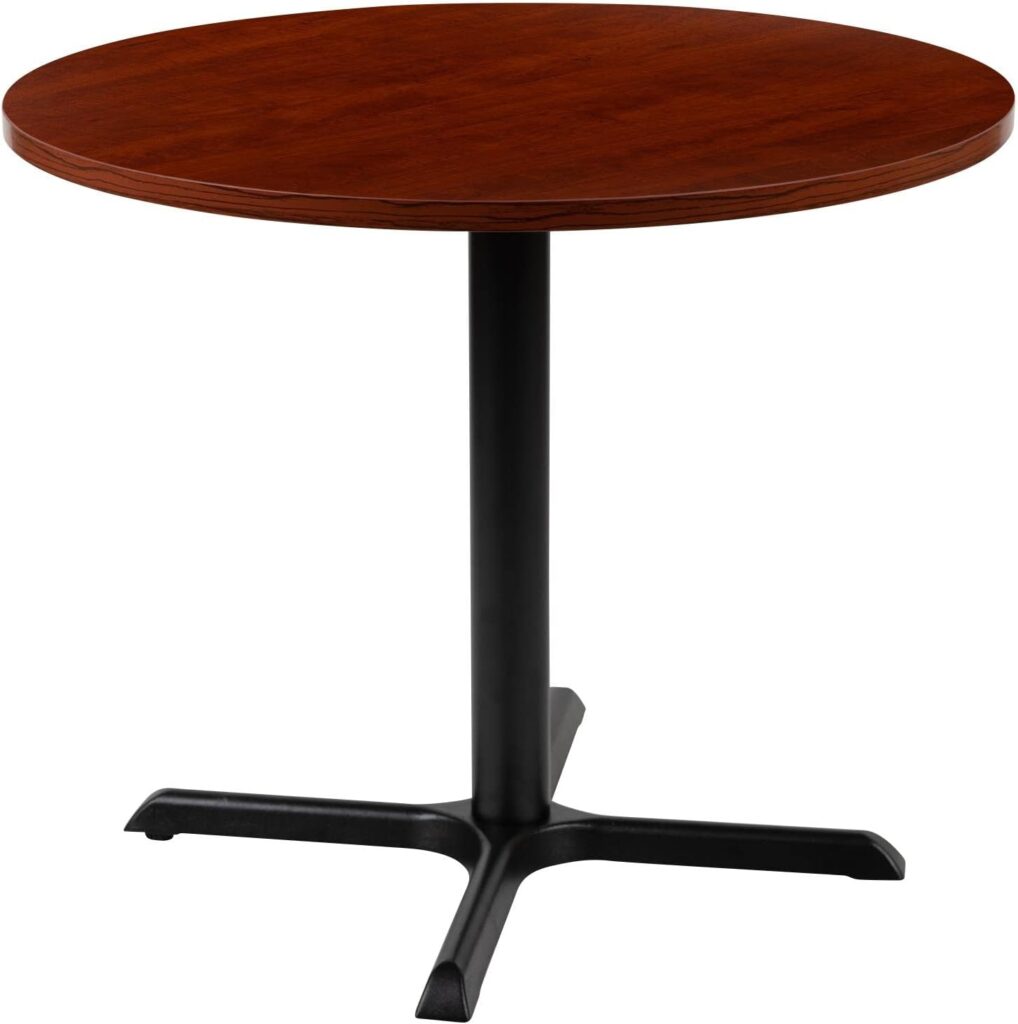
Image of Flash Furniture Chapman 36" Round Multipurpose Conference Table from Essential Office Furniture

Flash Furniture Chapman Round Multipurpose Conference Table

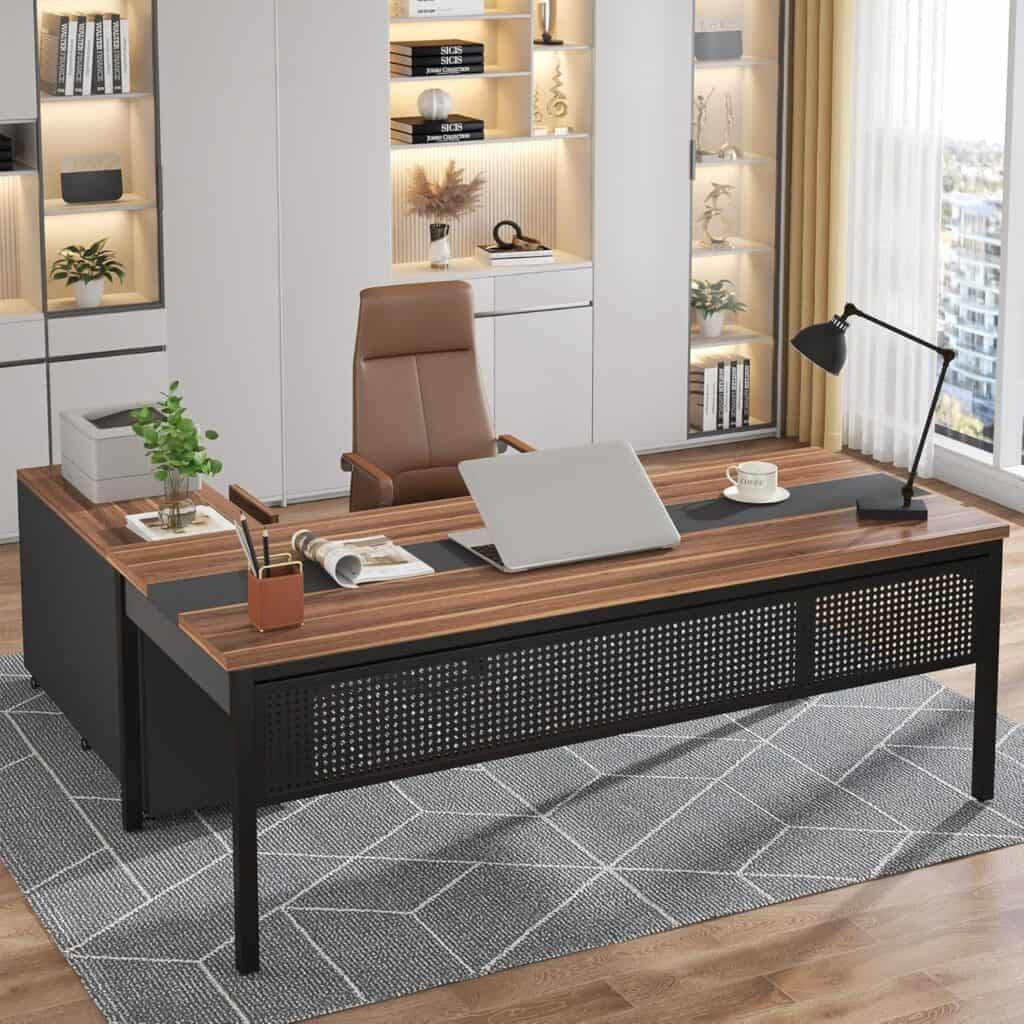
Tribesigns 70.8" Large Executive Office Desk with 47" Lateral File Cabinet Combo

Tribesigns 70.8″ L-Shaped Executive Desk- Iron Grey

Explore More Articles

What Should I Look for In an Office Chair?

What Should I Look for In an Office Chair?

Whether you’re a full-time professional, a part-time freelancer, or simply someone who values comfort during

Unraveling the Mystery: Can Office Chairs Explode?

Can Office Chairs Explode? Unraveling the Mystery

We’ve all come across urban legends and Internet myths, and one narrative has managed to

health benefits of ergonomic office chairs

Health Benefits of Ergonomic Office Chairs

Ergonomic chairs are amongst the latest trends in office furniture. They reduce the strains and

5 Modern Office Furniture to Improve productivity

Office furniture isn’t just an aesthetic item to beautify your workspace environment. They are a

How High Should My Office Desk Be?

How High Should My Office Desk Be?

Whether you’re a seasoned office worker or just beginning to build your home office, one

image of an Eco-Friendly Furniture

Transforming Your Office Space with Eco-friendly Furniture

“Going green” is more than just a buzz phrase—it’s a conscious decision to embrace sustainability

Featured Furniture Brands

ModernMate 31.5-Inch Lateral File Cabinet Light

The ModernMate 31-Inch 2-Drawer Lateral File Cabinet with Anti-Tilt, Light Walnut Wood Finish offers compact and stylish storage for home offices. Featuring two spacious drawers that fit letter, legal, and A4 files, this cabinet also includes a tilt-prevention mechanism for added safety.
ModernMate 31-Inch 2-Drawer Lateral File Cabinet